Choosing an ergonomic mouse vertical vs trackball is the most important hardware decision you can make if you are suffering from remote work injuries. If you are experiencing a dull ache on the outside of your elbow, or numbness in your pinky and ring fingers by the end of the workday, your standard flat computer mouse is likely the culprit.
A traditional flat mouse forces your forearm into an unnatural posture called “pronation” (twisting the bones in your arm so your palm faces flat down toward the desk). According to the Mayo Clinic, repetitive wrist pronation is a leading contributor to severe carpal tunnel syndrome and tendonitis. In this comprehensive guide, we will break down the debate of ergonomic mouse vertical vs trackball setups to help you cure your repetitive strain injury for good.
📐 Unsure About Your Desk & Chair Height?
Use our free Ergonomic Desk Height Calculator to get exact inch-by-inch measurements for standing, sitting, and monitor positioning based on your height.
The Vertical Mouse: The Handshake Position
A vertical mouse looks absolutely bizarre at first glance. It essentially takes a standard mouse and rotates the buttons to a steep 57-degree vertical angle. Instead of placing your hand flat on the desk, you hold the vertical mouse as if you are reaching out to shake someone’s hand.
This “handshake position” is the natural resting state of the human arm. Stand up and let your arms hang loosely at your sides; your palms naturally face inward toward your body. Using a vertical mouse completely un-twists the radius and ulna bones in your forearm. In the debate of an ergonomic mouse vertical vs trackball, the vertical mouse is generally the easiest to learn because you still move your entire arm to sweep the cursor across the screen.
The Trackball Mouse: Zero Wrist Movement
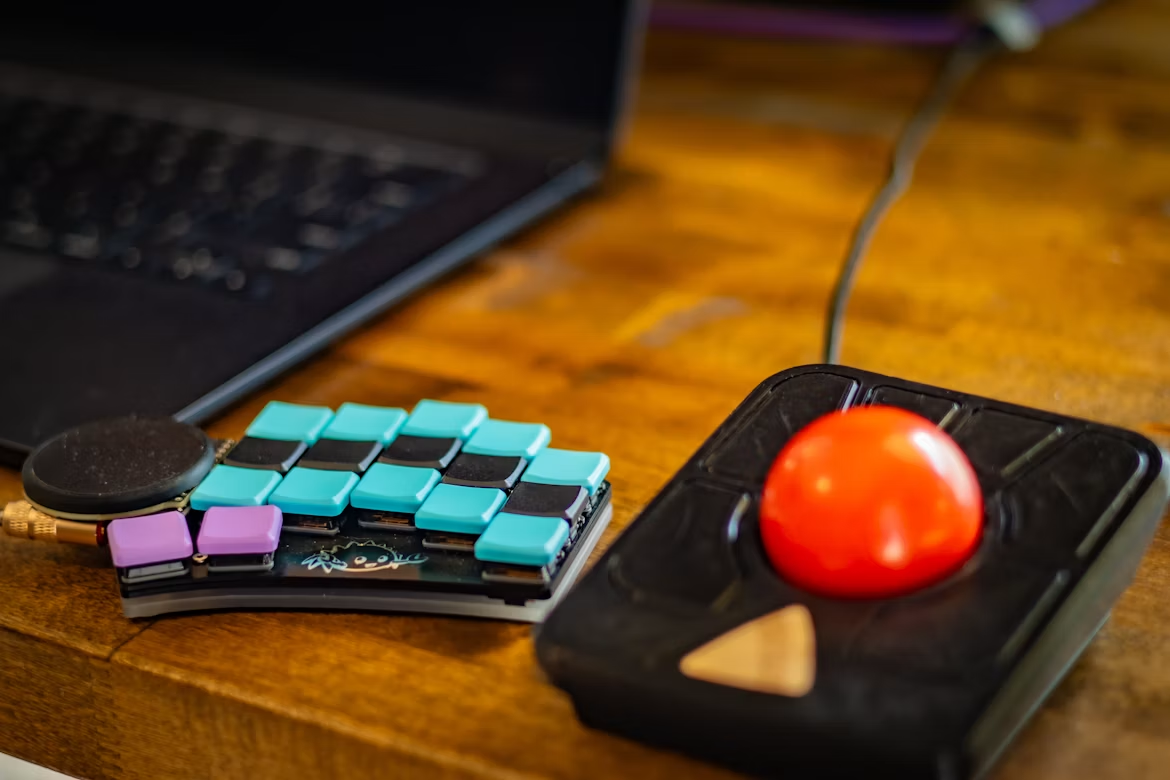
A trackball mouse flips the script entirely. It features a large, heavy, stationary body with a massive rollerball mounted on the top or the side. The mouse itself never physically moves across the desk. Your hand rests entirely static on the device, and you manipulate the cursor purely by rolling the ball with your thumb or fingers.
Because you do not need to sweep your arm or flick your wrist, joint extension drops to absolute zero. This is a massive lifesaver for people suffering from intense wrist pain, because the wrist joint is completely locked out of the equation. However, the trackball shifts the entire workload onto your thumb joint, which can take weeks to get used to.
Which One Should You Choose?
To declare a winner in the ergonomic mouse vertical vs trackball battle, you have to pinpoint exactly where your pain is located.
If your pain is localized to your forearm, your elbow, or your shoulder, the Vertical Mouse is the safest and most effective upgrade for 90% of remote workers. It provides immediate relief by aligning your bones naturally and forcing you to use the larger muscles in your arm to move the cursor.
If your pain is strictly located in your wrist joint, or if you simply lack the physical desk space to swing your arm around (for example, if you are working on a tiny coffee shop table), the Trackball is the ultimate solution. Be prepared for a frustrating first week of adjusting to the thumb-ball, but once you master it, you will likely never want to use a standard mouse again.
Final Thoughts
Don’t ignore the warning signs. If your hand hurts while you work, your body is begging you to change your home office setup. Pick a vertical mouse or a trackball, push through the weird learning curve, and enjoy a pain-free career.