
If you’re still using that tiny, circular piece of foam they handed out for free at a corporate event in 2014, we need to talk. The desk pad vs mouse pad debate isn’t just about aesthetics; it’s about fundamentally changing how your desk feels and functions. A massive desk pad is the most underrated, highest-impact upgrade you can buy for under $40.

When you sit down to work, your hands and wrists make direct, physical contact with the surface of your table for eight hours a day. The ergonomic specialists at the CDC’s NIOSH division emphasize that contact stress—the pressure of your skin resting against hard surfaces—is a leading cause of nerve irritation. Let’s break down the desk pad vs mouse pad argument so you can perfect your home office setup.
📐 Unsure About Your Desk & Chair Height?
Use our free Ergonomic Desk Height Calculator to get exact inch-by-inch measurements for standing, sitting, and monitor positioning based on your height.
The Problem with the Traditional Mouse Pad
The traditional mouse pad (usually 8×10 inches) was designed in an era when computer mice used heavy, mechanical rubber trackballs that needed a textured surface just to function. Today’s optical lasers can track on almost anything.
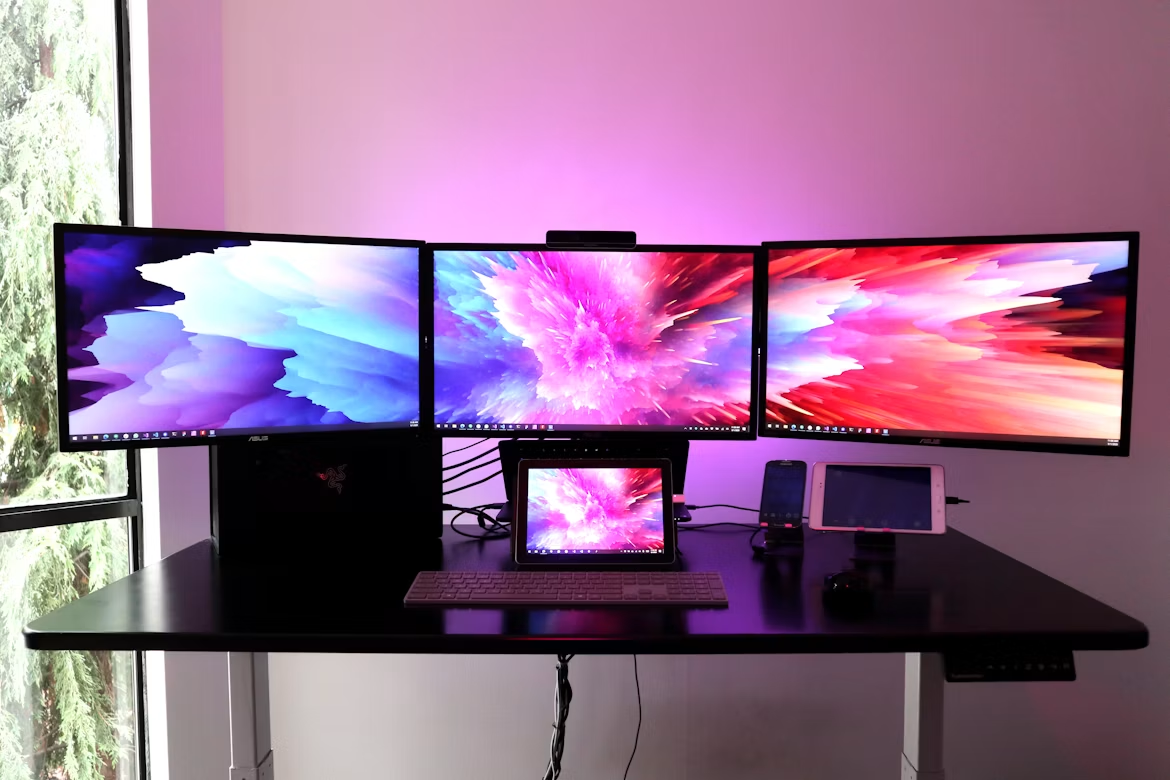
The real issue with a tiny mouse pad is the physical boundary it creates. If you use dual monitors, dragging your cursor from the far left screen to the far right screen requires a long, sweeping arm motion. With a small pad, your mouse instantly falls off the edge. You have to physically lift the mouse, bring it back to the center of the pad, and swipe again. Doing this hundreds of times a day completely breaks your workflow and frustrates your brain.
Enter the XXL Desk Pad
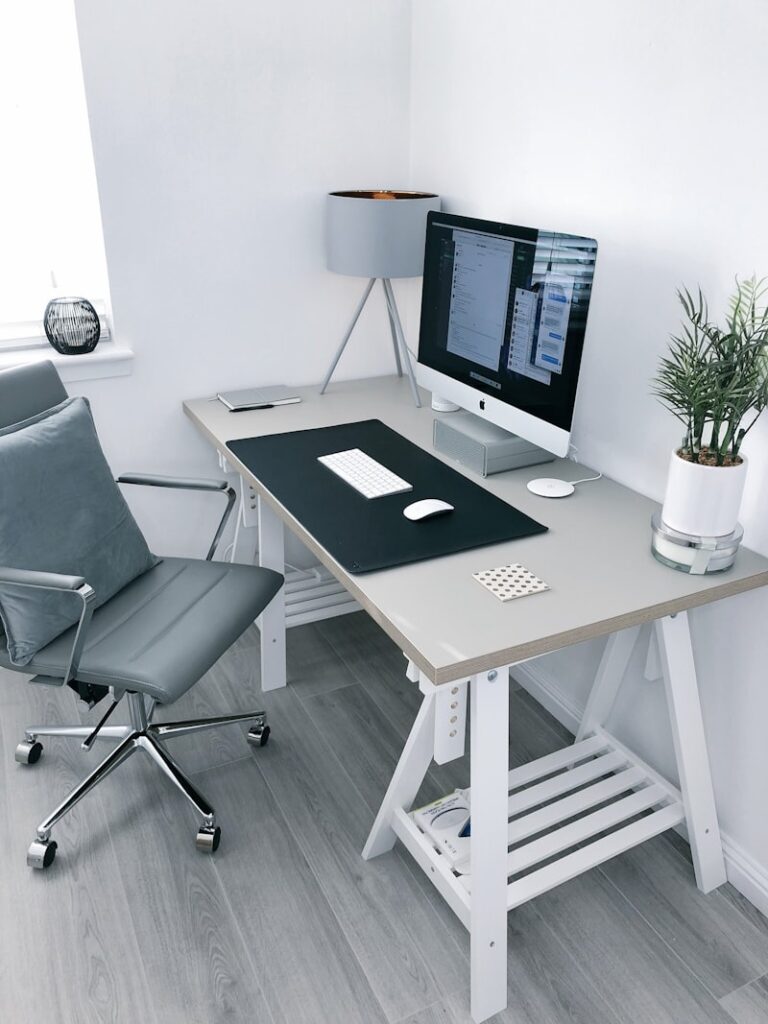
An oversized desk pad (often called a desk mat) is massive. They typically measure 36 inches wide by 18 inches deep. Instead of just giving your mouse a tiny designated square, the pad covers the entire central working area of your desk.
In the desk pad vs mouse pad debate, the desk pad wins purely on freedom of movement. You place both your keyboard and your mouse directly on top of it. Your mouse now has an infinite runway. You can aggressively swipe your cursor across three massive monitors without ever worrying about falling off a cliff.
Acoustics and Keyboard Sound
If you use a mechanical keyboard (which you absolutely should for typing comfort), you know they can be loud. If you place a mechanical keyboard directly onto a hard wooden or glass desk, the desk acts like a massive acoustic drum. Every time you strike a key, the sound reverberates through the table, creating a hollow, annoying echo.
A thick, dense desk pad acts as an acoustic dampener. It absorbs the vibrations from your keyboard, instantly muffling the harsh high-pitched clicks and replacing them with a deep, satisfying “thock” sound. If you are constantly on Zoom calls, your coworkers will appreciate this massive reduction in typing noise.
Protecting Your Wrists (and the Desk)
Contact stress is a real issue. Resting your bare forearms on a cold glass desk or the sharp 90-degree edge of a wooden table restricts blood flow and pinches the nerves running through your arms.
A premium desk pad—whether it’s made of thick felt, vegan leather, or high-density neoprene—creates a soft, warm cushion for your arms to rest on. It drastically reduces the friction on your skin. Furthermore, it protects the expensive wooden finish of your desk from being scratched by your coffee mugs, pens, and keyboard chassis.
Final Thoughts
Throw away the tiny square of foam. An XXL desk mat is the ultimate foundational piece of a modern workspace. It visually frames your keyboard, dampens annoying acoustics, gives your mouse infinite room to roam, and protects your wrists. It is the easiest, cheapest luxury upgrade you can make today.