When upgrading a workspace, one of the biggest debates remote workers face is choosing between a flashy bucket-style gaming chair and a traditional ergonomic office chair. It is easy to see the appeal of gaming chairs, with their high backs, racing stripes, and aggressive branding. But if you sit at your computer for eight or more hours a day, aesthetics must take a back seat to orthopedic health. Understanding the realities of gaming vs office chair ergonomics is the key to preventing chronic back strain and shoulder stiffness.
The design philosophy behind gaming chairs is modeled after race car bucket seats, which are built to hold a driver in place during high-speed cornering. Traditional office chairs, however, are built to support the spine while typing, clicking, and leaning. Orthopedic specialists caution that race car styling does not naturally translate to healthy desk posture. Let’s break down the major differences between gaming vs office chair ergonomics to optimize your home office setup.
📐 Unsure About Your Desk & Chair Height?
Use our free Ergonomic Desk Height Calculator to get exact inch-by-inch measurements for standing, sitting, and monitor positioning based on your height.
1. The Bucket Seat Design Flaw
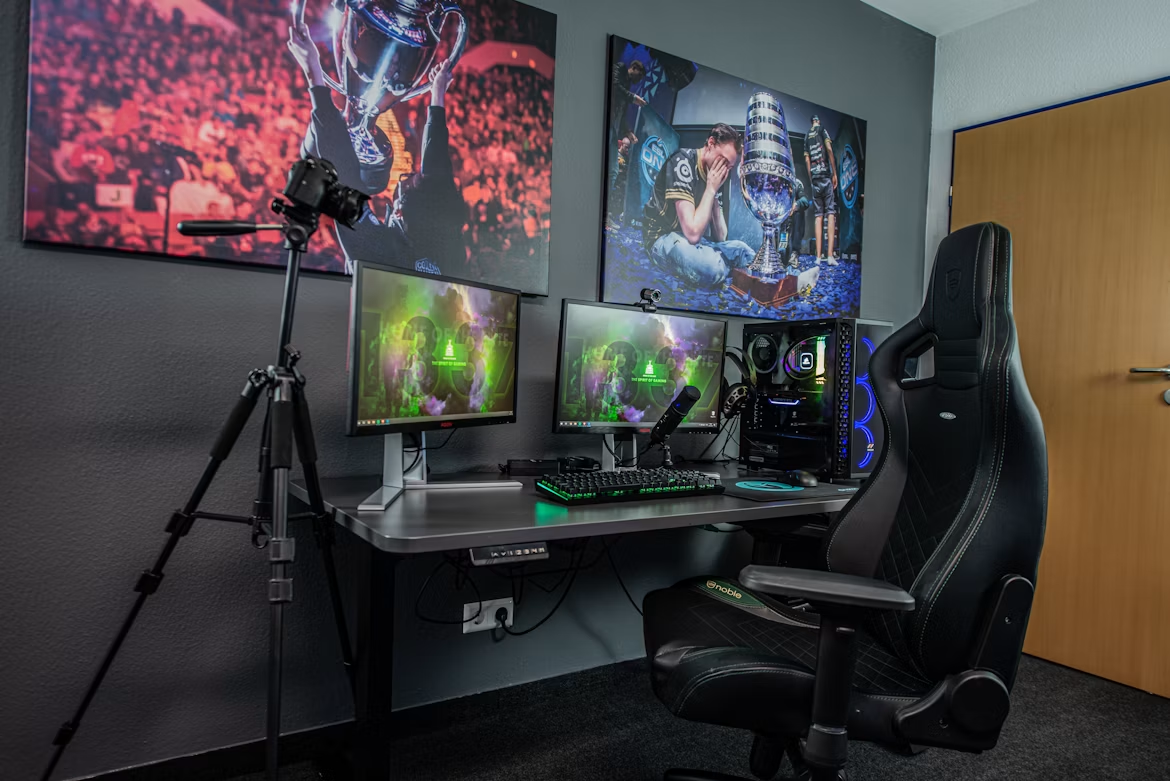
The most recognizable feature of a gaming chair is the bucket seat with flared sides on the backrest and seat pan. In a race car, these wings hold your body in place. At a desk, they restrict your physical movements. The upper wings push your shoulders forward, encouraging a rounded, slouched posture, while the bottom wings restrict your thighs, preventing you from shifting positions naturally.
2. Flat Backrest vs. Built-In Lumbar Contours
Gaming chairs typically have completely flat backrests, relying on a loose, strap-on pillow to provide lumbar support. These pillows constantly slip and are rarely the correct size for your spine’s natural curve. Ergonomic office chairs (like the Herman Miller Aeron) feature built-in, highly adjustable lumbar supports that flex with your movements, ensuring your lower back remains supported in all seated positions.
3. Armrest Adjustability: 2D, 3D, and 4D
Both styles offer adjustable armrests, but ergonomic office chairs prioritize support during typing. Look for armrests that adjust not only up and down (2D) but also forward/backward (3D) and inward/outward (4D). This adjustability allows you to slide the armrests close to your body, keeping your elbows directly beneath your shoulders and reducing strain on your neck and traps.
4. Headrests: Fixed vs. Adjustable
Gaming chairs feature high backrests with a fixed headrest pillow, which often pushes the head forward, straining the neck. Ergonomic office chairs focus on keeping the spine aligned without forcing head support, though many models offer separate, highly adjustable headrests that can be positioned to rest the neck during reclined focus.
5. Recline and Tilting Mechanisms
Gaming chairs excel at reclining, often going back a full 180 degrees. While nice for napping, this does not help you work. Ergonomic office chairs use complex synchro-tilt mechanisms that tilt the backrest and seat pan at a 2:1 ratio. This design allows you to recline while keeping your feet flat on the floor and your eyes aligned with your monitor.
6. Breathability and Materials
Most gaming chairs are wrapped in cheap PU (synthetic) leather, which traps body heat and causes sweating within hours. Ergonomic office chairs are typically wrapped in high-tensile, breathable mesh or fabric, promoting airflow and keeping you cool during long summer workdays.
Final Thoughts
While gaming chairs look cool, traditional ergonomic office chairs offer vastly superior support, adjustability, and breathability. Prioritize your spine’s long-term health and choose a chair designed for task-based work rather than racing cars.