
If you’ve started noticing a dull, aching pain in your wrists by the end of the workday, it’s time to stop ignoring it. Trying to find the best ergonomic keyboard for typing isn’t just about chasing a trendy aesthetic—it’s about literally protecting the nerves in your hands from permanent damage. Standard flat keyboards force your hands into terrible geometric angles.
Typing on a flat piece of plastic for 40 hours a week forces your wrists to bend outward (ulnar deviation) and twist flat (pronation). The medical professionals at Johns Hopkins Medicine point out that these unnatural angles pinch the median nerve, leading directly to carpal tunnel syndrome. Let’s dig into exactly how an ergonomic keyboard for typing fixes this, and what you need to buy for your home office setup.
📐 Unsure About Your Desk & Chair Height?
Use our free Ergonomic Desk Height Calculator to get exact inch-by-inch measurements for standing, sitting, and monitor positioning based on your height.
The Problem with Standard Keyboards
To understand why you need an upgrade, you have to look at how your hands naturally fall. Stand up and let your arms hang loosely at your sides. Notice how your palms are facing your body, not flat backward? Now, sit at your desk and place your hands on a standard keyboard.
You have to aggressively twist your forearms so your palms face flat down (pronation). Then, because the keyboard is straight, you have to bend your wrists outward to line your fingers up with the keys (ulnar deviation). Doing this for thousands of keystrokes a day grinds the tendons in your wrist joint.
The Split ergonomic keyboard for typing Design
The most crucial feature of a true ergonomic board is the “split” design. Instead of one solid block of plastic, the keyboard is physically split down the middle, separating the left hand keys from the right hand keys.
This allows you to angle the two halves outward. By angling the halves to match the natural width of your shoulders, your wrists can stay perfectly straight while typing. You instantly eliminate that painful ulnar deviation. Some high-end keyboards, like the ErgoDox or the Kinesis Freestyle, take this a step further by completely severing the two halves so you can place them shoulder-width apart on your desk.
The Magic of “Tenting”
Fixing the horizontal angle is only half the battle. You still need to fix the twisting of your forearm. The absolute best ergonomic keyboard for typing setups will feature something called “tenting.”
Tenting means the center of the keyboard is raised higher than the outside edges, forming a tent shape. Instead of typing with your palms flat down on the desk, your hands are slightly tilted inward, closer to a natural handshake position. This drastically reduces the tension in the forearm muscles and takes the pressure off the carpal tunnel nerve channel.
Mechanical Switches vs Membrane
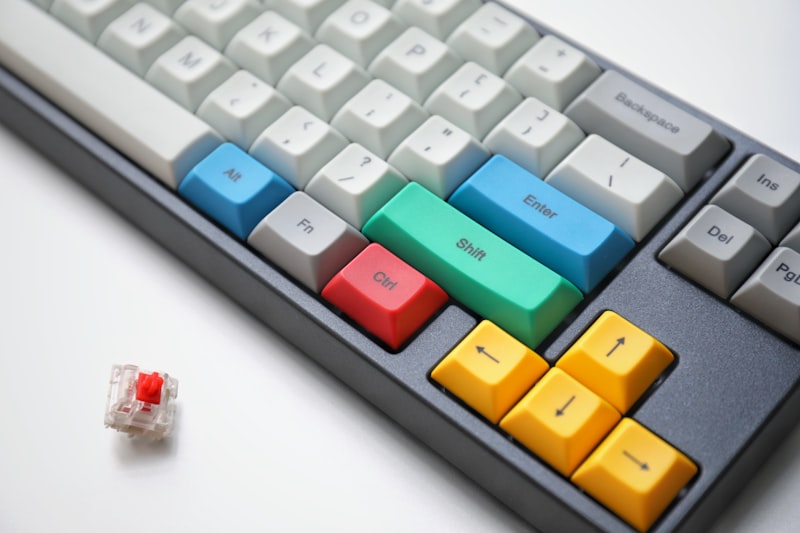
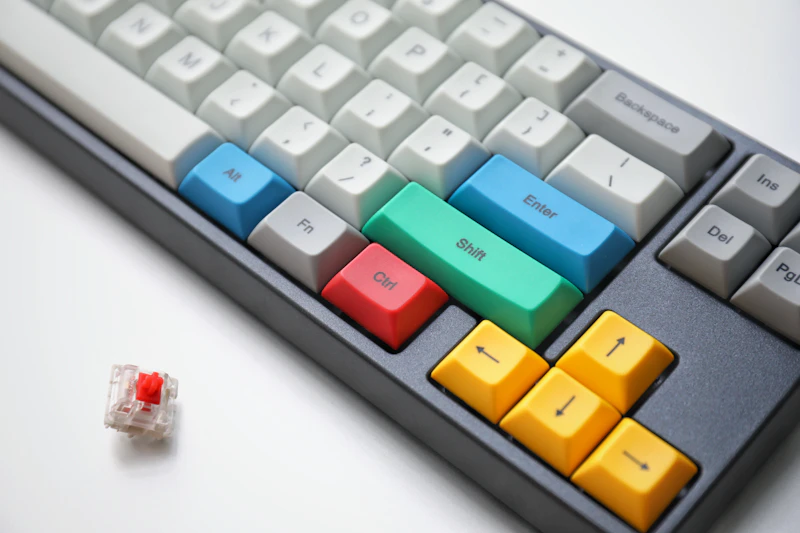
Once you’ve settled on a split, tented design, you should really look into mechanical key switches. Most cheap office keyboards use a rubber membrane under the keys. You have to smash the key all the way down to the plastic floor to register a letter, which creates a harsh impact on your fingertips.
Mechanical keyboards use individual springs under every single key. They register the keystroke halfway down, meaning you don’t have to smash the plastic. This gentle, tactile feedback requires significantly less force, allowing you to type faster and with much less finger fatigue.
Final Thoughts
Yes, split keyboards look weird. And yes, it will probably take you a week or two to relearn how to type without making typos. But the learning curve is entirely worth it. Upgrading your gear is the single best way to cure wrist pain and ensure you can comfortably type for decades to come.