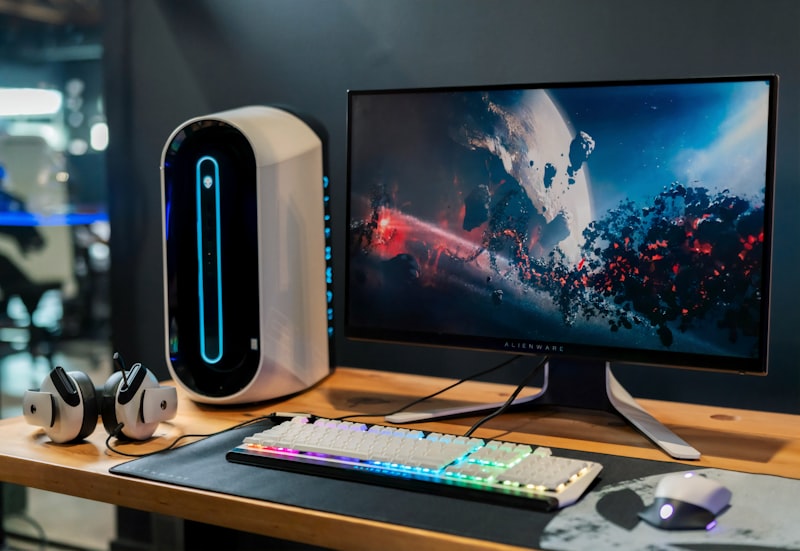

Learning how to hide cords glass desk style is the holy grail of modern home office aesthetics. Glass desks look incredibly sleek, minimalist, and deeply professional in a showroom—until you actually put a desktop computer and dual monitors on them. Because there is nowhere for the wires to physically hide, a transparent desk quickly devolves into an ugly, chaotic web of HDMI cables, thick power bricks, and dangling USB cords.
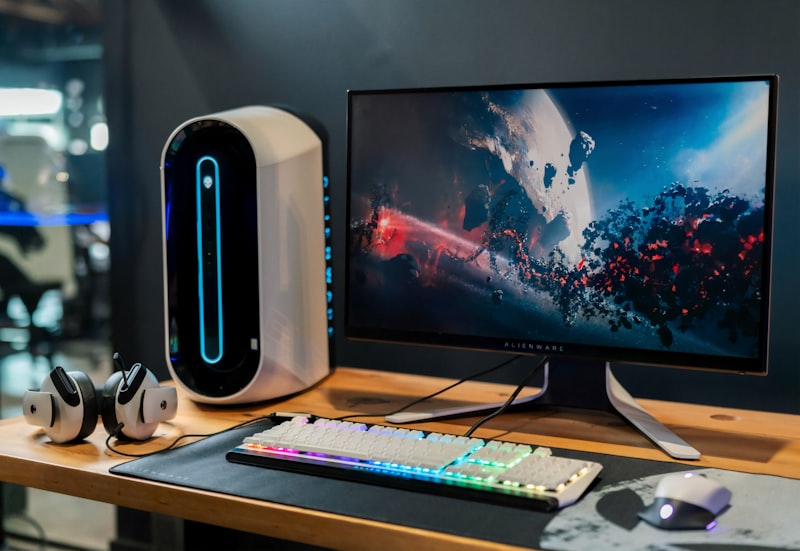
Worse, unlike traditional solid wooden desks, you can’t use wood screws to mount standard metal cable management trays underneath them. If you’re struggling with a transparent workspace, don’t panic. The professionals at Architectural Digest frequently use clever adhesive techniques to mask wires in modern, glass-heavy homes. In this guide, we’ll reveal the ultimate, damage-free methods to route your cables invisibly.
📐 Unsure About Your Desk & Chair Height?
Use our free Ergonomic Desk Height Calculator to get exact inch-by-inch measurements for standing, sitting, and monitor positioning based on your height.
The Cable Management Box (The Floor Solution)
The biggest visual offender in any desk setup is the massive power strip. Since you cannot physically screw a surge protector to the underside of a transparent glass surface, the best solution is to move the power strip down to the floor—but hide it completely.
Purchase a sleek, minimalist cable management box (these usually look like smooth white or black plastic bins). Place your massive surge protector inside the box, plug all your monitors, chargers, and PC power cables in, and snap the lid on. Now, instead of a tangled mess of black plugs sitting under your feet, you just have a clean, intentional box sitting neatly on the carpet.
Cable Sleeves (The hide cords glass desk Routing Trick)
Even if you hide the power strip on the floor, you still need to get the cables from your monitor down to the box. If you let five different cables dangle independently from the back of your monitors, it looks absolutely terrible when viewed through the glass tabletop.
To successfully execute a hide cords glass desk routing strategy, wrap all of them together in a single Neoprene Cable Sleeve or a split braided wire loom. By consolidating your monitor and power cables into one thick sleeve, it looks like a single intentional “umbilical cord” rather than a chaotic spiderweb.
Adhesive Cable Clips (The Under-Desk Solution)
If you need to run wires horizontally across the desk, you absolutely must utilize the metal frame that holds the glass. Because you cannot drill into the glass or the metal, you have to use high-strength adhesives.
Look for 3M VHB adhesive cable clips. Wipe the metal frame of the desk with rubbing alcohol to remove any oils, peel the backing off the adhesive clip, and press it firmly onto the metal frame. Route the cables directly along the dark metal legs of the desk so they remain completely hidden and disguised when viewed from the front or above through the glass.
Go Wireless Where Possible
The absolute easiest way to hide a cable is to simply not have one in the first place. If you’re using a transparent desk, you need to invest in a premium wireless mechanical keyboard and a wireless productivity mouse.
By removing these two prominent cables, you instantly clear the most visible wires from the top of your home office setup. Combining wireless peripherals with routed power cables creates the illusion of a completely untethered workspace.
Final Thoughts
With a little patience, some 3M adhesive clips, and a sleek cable box for the floor, you can achieve a perfectly floating, wireless look. Your glass desk will finally look as clean, professional, and breathtaking as the day you bought it.