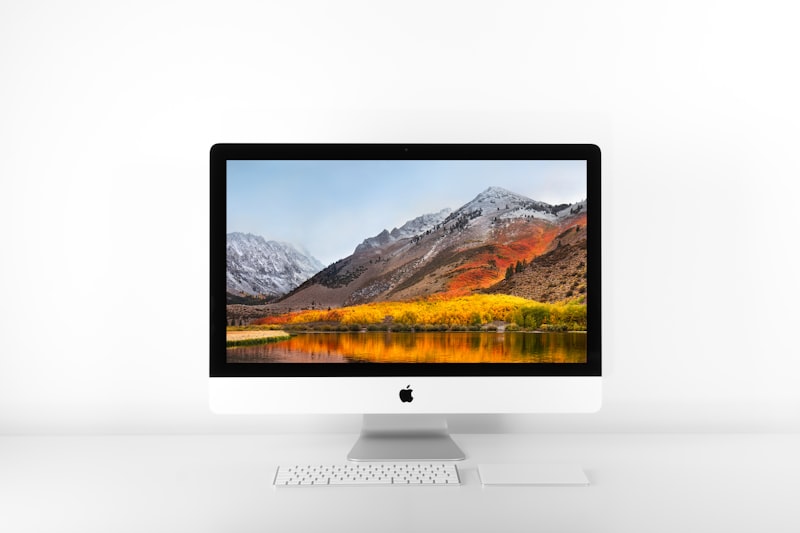

Finding the ideal monitor height is the single most important step in curing neck pain, tight shoulders, and brutal afternoon tension headaches. Almost all of this discomfort stems from a postural condition known as “Forward Head Posture.” When your screen is positioned incorrectly, your body naturally leans forward to compensate, pulling your heavy skull out of alignment with your spine.

Every single inch that your head leans forward off its natural center of gravity adds approximately 10 pounds of intense pressure to your delicate cervical spine. According to the medical experts at the Cleveland Clinic, this phenomenon (often called “tech neck”) leads directly to chronic pain and rapid spinal degeneration. In this guide, we’ll outline the exact ergonomic measurements required to achieve the ideal monitor height and eliminate tech neck for good in your home office setup.
The Golden Rule of the ideal monitor height
Finding the perfect height actually has nothing to do with the physical size of the monitor; it is entirely dependent on your personal eye level. To find your ideal monitor height, you must first sit down in your ergonomic office chair and assume perfect posture. Look straight ahead, with your chin completely parallel to the floor.
Your eyes should align precisely with the top 1/3rd of your screen.
When humans read text or focus on intricate work on a screen, our eyes naturally gaze downward at a 15-degree to 30-degree angle. By placing the top bezel of the monitor at eye level, the physical center of the screen falls perfectly into your natural downward gaze. This brilliant alignment allows you to scan the entire display without ever needing to tilt your chin down.
The Danger of Laptops on Desks
If you are working directly on a laptop that is placed flat on a desk, you are virtually guaranteeing severe neck pain. Because the screen is physically attached to the keyboard, your eyes are forced to look downward at a sharp 45-degree angle. Your neck muscles have to strain constantly to hold your head up.
To achieve the proper ergonomic angle while using a laptop, you absolutely must purchase a laptop stand or riser to elevate the screen up to your eye level. However, because you can no longer type on an elevated laptop without destroying your wrists, this setup strictly requires you to plug in a separate external keyboard and mouse.
How to Physically Elevate Your Screen
Most budget and mid-range monitors are shipped with fixed, rigid plastic stands that sit far too low on the desk. If your screen is currently too low, you have two excellent options to correct the geometry:
- A VESA Monitor Arm: This is the most elegant and ergonomic solution available. A pneumatic monitor arm clamps securely to the back edge of your desk and allows you to adjust the height, depth, and tilt of the screen to the absolute millimeter. You can push it away or pull it close as needed.
- A Monitor Riser (Desk Shelf): If you do not want to clamp an arm to your desk, a monitor riser is a fantastic alternative. These are simple wooden or metal shelves that lift the factory stand a few inches off the desktop, bringing the screen up to eye level while providing gorgeous hidden storage space underneath for your notebooks.
Final Thoughts
Never accept the factory height of your monitor stand. By aggressively elevating your screen so your eyes align with the top third of the display, you can instantly cure forward head posture, eliminate tension headaches, and enjoy a deeply focused, pain-free workday.