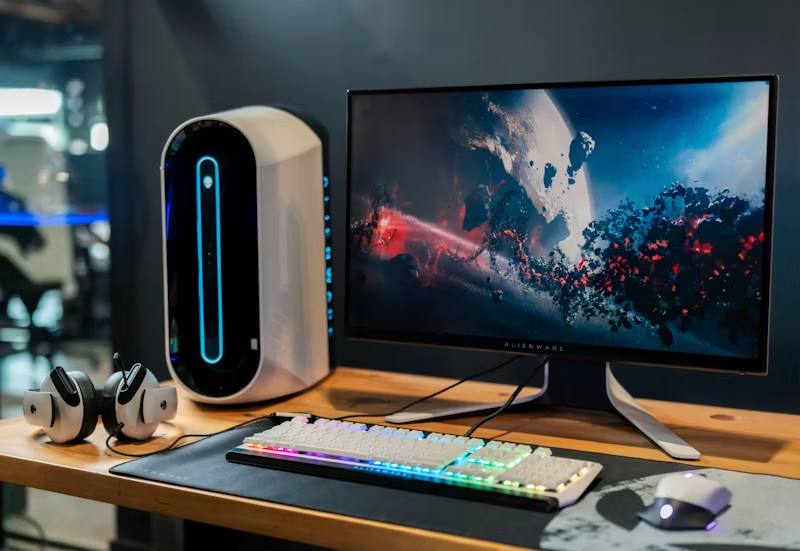

When designing a highly productive home workspace, we obsess over ergonomic chairs, high-refresh-rate monitors, and mechanical keyboards. Yet, we constantly ignore the climate of the room. Working in a freezing room makes your fingers stiff, while working in a warm, stuffy space makes you sleepy and unfocused. Setting the **best temperature for home office** setups is one of the easiest, most overlooked ways to optimize your physical energy levels and mental focus.

Our bodies expend significant energy regulating internal temperature. If your workspace is too hot or too cold, your brain redirects blood flow and glucose away from cognitive processing and toward temperature regulation. Studies show a direct correlation between indoor temperatures and typing errors. Let’s explore the ideal temperature settings for a highly productive home office setup.
The Scientific Sweet Spot: 68°F to 72°F
Research indicates that the optimal temperature range for office productivity is between 68°F and 72°F (20°C to 22°C). In this range, typing speed, reading comprehension, and logical processing hit peak performance. Keeping your room in this narrow temperature window prevents physical distractions and helps your body maintain a balanced state.
How Cold Air Sabotages Finger Dexterity
If your office temperature drops below 65°F (18°C), your blood vessels will constrict to keep your core warm, restricting circulation to your extremities. This leads to stiff fingers and hands, directly dropping your typing speed, increasing typos, and exacerbating repetitive strain injuries like carpal tunnel syndrome.
How Excess Heat Causes Sleepiness
Conversely, if your office temperature rises above 76°F (24°C), you will experience a drop in focus. High temperatures increase heart rates and promote sleepiness as your body works to cool itself down. It feels stuffy and exhausting, making it difficult to maintain deep focus on complex tasks.
The Role of Relative Humidity
Temperature is only half the battle; relative humidity is also critical. Aim to keep your humidity between 40% and 50%. If it drops below 30%, your eyes will feel dry and irritated from screen work; if it rises above 60%, the air will feel heavy and muggy, promoting mold growth and lowering your energy levels.
Simple Climate Hacks for Better Focus
To maintain a stable environment, use a smart thermostat to automate your climate settings. Position desk fans to keep air moving without blowing directly on your face, and add a humidifier or dehumidifier to stabilize humidity. These simple adjustments can make a massive difference in how you feel by the end of the day.
Final Thoughts
Your physical environment directly impacts your mental output. By keeping your home office between 68°F and 72°F and monitoring relative humidity, you can protect your body, stay focused, and maintain high productivity all day.